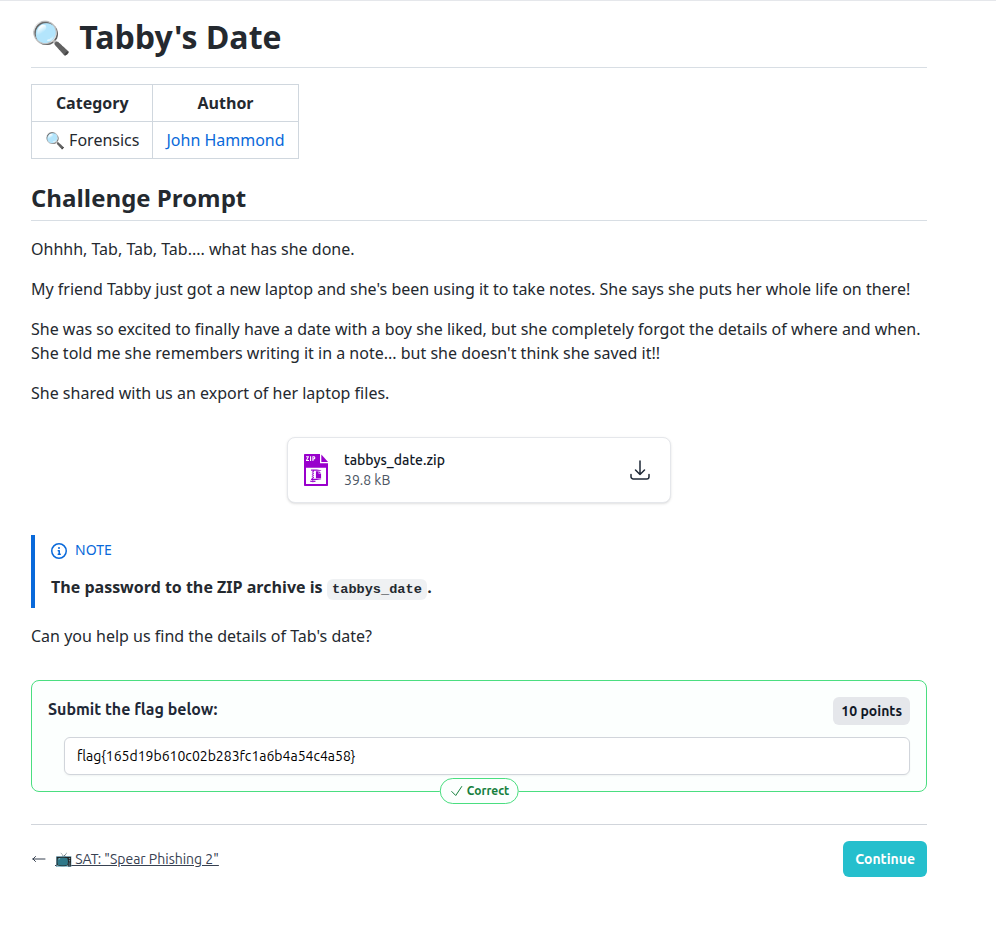
Tabby's Date - Recovering an Unsaved Notepad Note

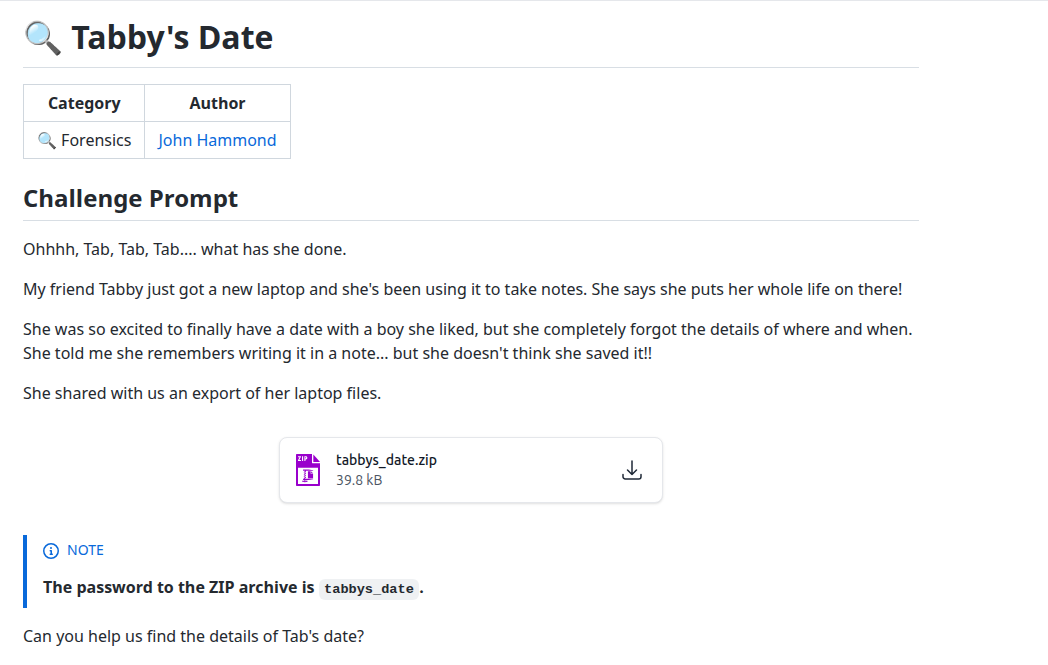
Goal: find the note on Tabby's laptop that contains the flag.
What we were given:
tabbys_date.zip (password: tabbys_date) –
an export of her C: drive.
1. Unzip the archive
unzip tabbys_date.zip -d tabby_cdrive -P tabbys_date
tree tabby_cdrive/
Treating the extracted folder like a forensic file tree made sense since the challenge explicitly mentioned an export of the laptop’s files.
2. Initial keyword searches
grep -ri "date" tabby_cdrive/
grep -ri "flag" tabby_cdrive/
These came up empty because many Windows app artifacts are stored in UTF-16 or binary formats.
3. Inspecting Notepad TabState
cd C/Users/Tabby/AppData/Local/Packages/Microsoft.WindowsNotepad_8wekyb3d8bbwe/LocalState/TabState/

Modern Windows Notepad stores unsaved tab state here, making this directory the perfect place to look.
4. Extracting readable text
file *.bin
strings *.bin | less

5. UTF-16 decoding
for f in *.bin; do
  echo "=== $f ==="
  iconv -f UTF-16LE -t UTF-8 "$f" 2>/dev/null \
    || iconv -f UTF-16BE -t UTF-8 "$f" 2>/dev/null \
    || strings "$f"
done | less
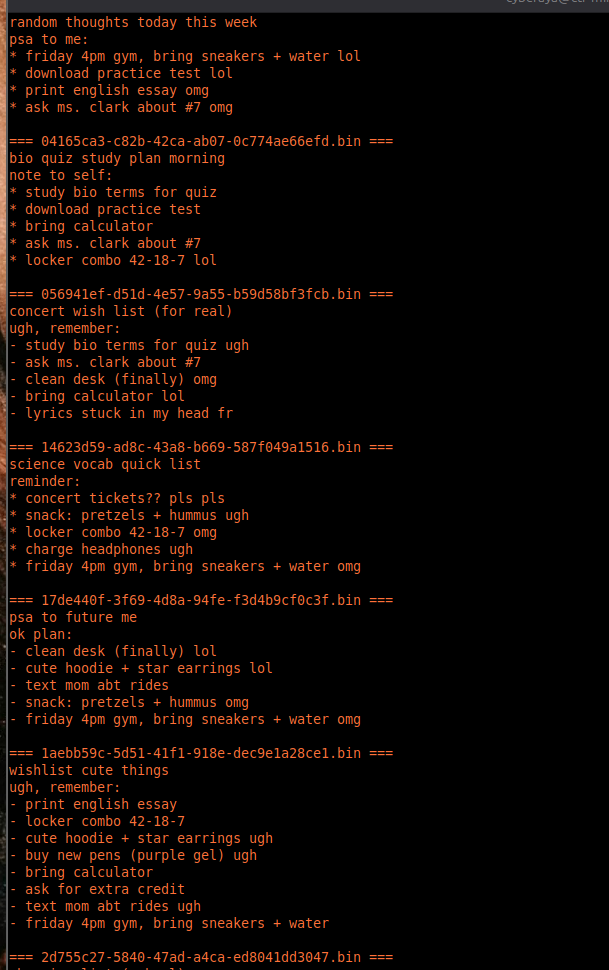
6. Flag recovered
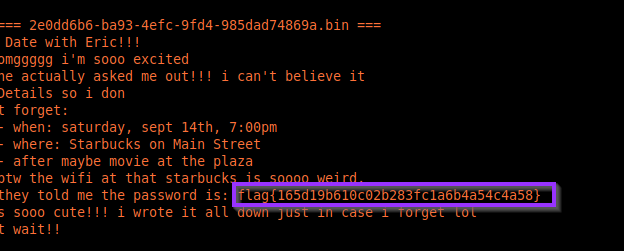
flag{165d19b610c02b283fc1a6b4a54c4a58}
Forensics takeaways
- Unsaved data often lives in application state directories
- Encoding matters when searching artifacts
- Modern Windows apps leave rich forensic traces
- Small artifacts can answer entire cases